The United Kingdom Emergency Alerts system sends warnings directly to mobile phones in a defined geographic area. It is one of the more significant additions to national resilience in recent years and many people have only encountered it once, during the national test.
What does an alert look like?
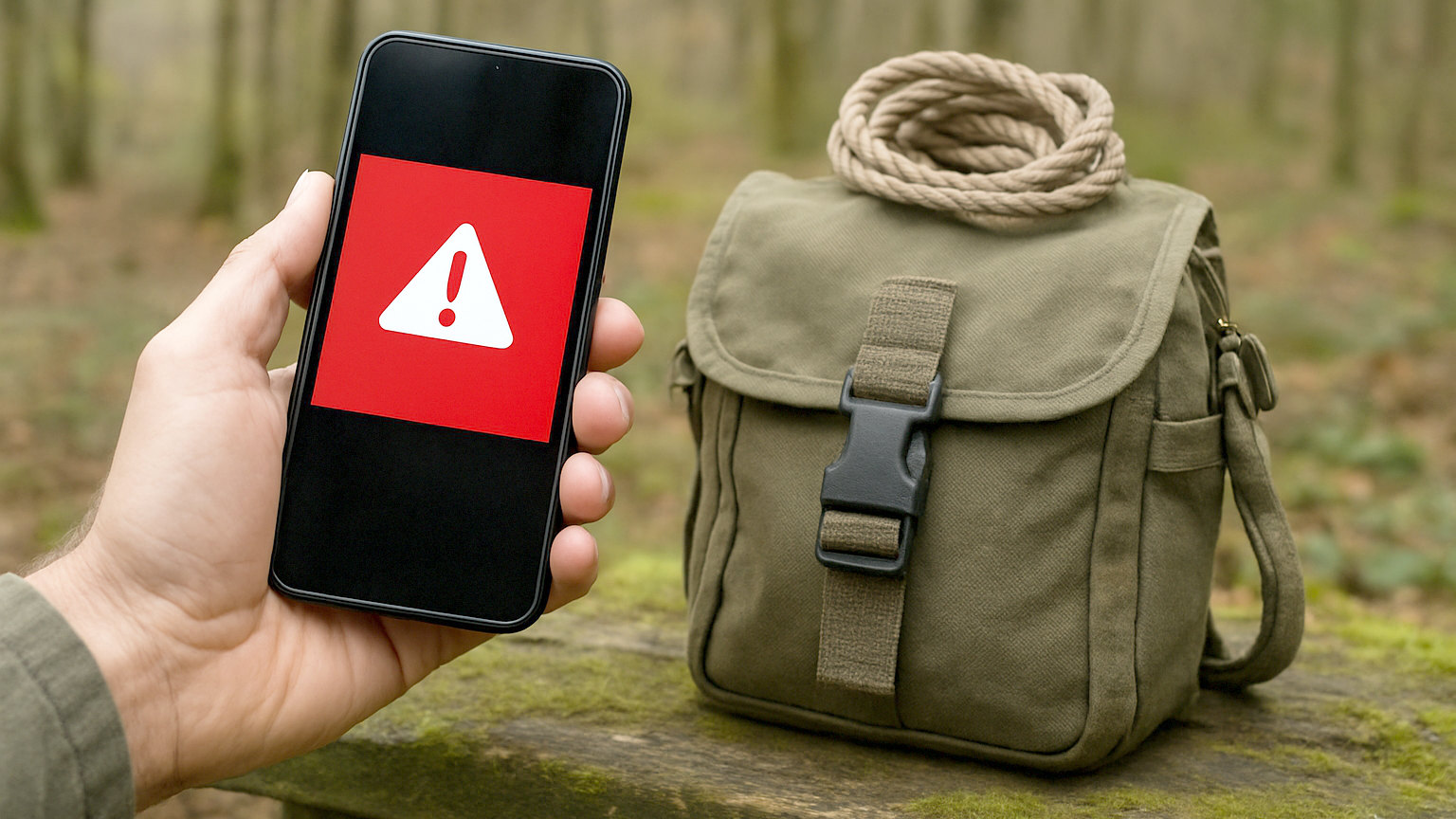
A loud siren like sound and a vibration lasting around ten seconds, accompanied by a message on screen describing the situation and what to do. It sounds even if the phone is on silent, which is deliberate, since the system exists for situations where sleeping through a warning could be fatal. The phone is otherwise unusable until the alert is acknowledged.
How does it reach your phone?
Through cell broadcast rather than text messaging. The alert is transmitted by every mast in the target area to every compatible handset connected to it, so it needs no phone number, no app, no registration and no mobile data. Because it is a broadcast rather than millions of individual messages, it is not affected by the congestion that stops ordinary calls and texts.
- No registration, app or data connection required
- Works through cell broadcast, so congestion does not block it
- Sounds even when the phone is on silent
- Targeted to a defined geographic area
- Used only where there is a threat to life
- Anonymous, since no phone numbers are involved
When is it used?
Only for situations posing a serious risk to life. Severe flooding has been the most common use, with alerts issued to affected areas during major storms. It could also be used for wildfires, industrial incidents, severe weather and other civil emergencies. It is deliberately not used for routine warnings, because an alert people learn to ignore is worthless.
Does it track your location?
No, and this is worth understanding because it is a common concern. The system broadcasts to masts covering an area, and any compatible phone connected to those masts receives it. No phone numbers are collected, no location data is gathered, and the government does not learn who received an alert. It is anonymous by design.
Can you turn it off?
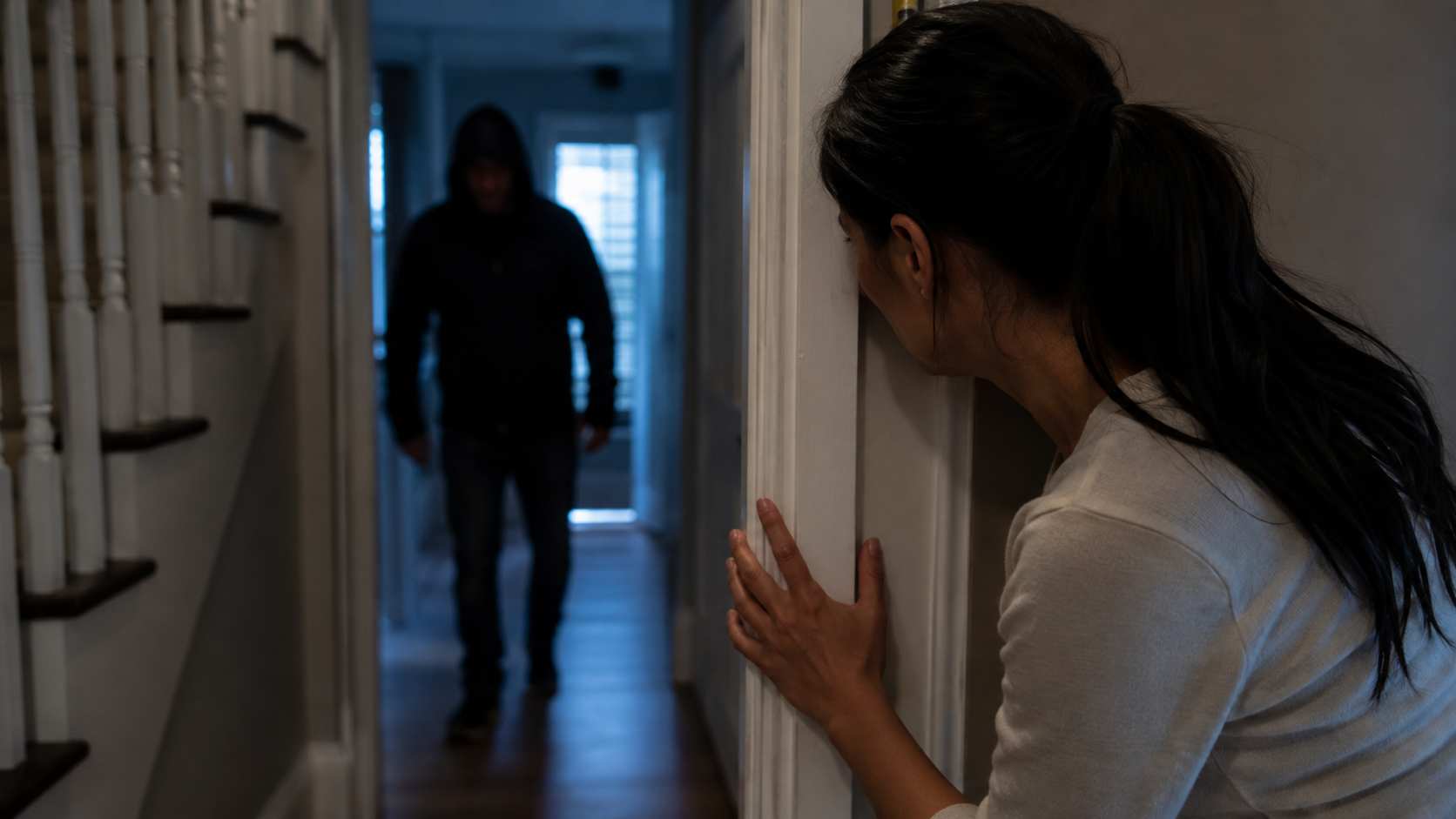
Yes, through your phone settings, and you should think carefully before doing so. There are legitimate reasons, most notably for people at risk of domestic abuse who keep a concealed phone, since an alert would reveal it. Domestic abuse organisations published guidance on this ahead of the national test. For almost everyone else, leaving it on costs nothing and could matter enormously.
What should you do when one arrives?
Read it and follow the instruction. Alerts are short and specific, telling you what is happening and what to do, whether that is to move to higher ground, stay indoors or avoid an area. Do not ring 999 to ask about the alert, since that consumes emergency capacity. Check local radio, the council website or official social media for further detail.
Does every phone receive them?
Most reasonably modern smartphones do, on all major networks. Older handsets, some basic phones and devices without a mobile connection will not. Phones in flight mode or switched off receive nothing, which is worth remembering if you have been conserving battery during an outage. It is also why the system supplements rather than replaces radio, local information and your own plan.
How does it fit with other warnings?
As the fastest layer. Environment Agency flood warnings, Met Office weather warnings and local authority information all provide more detail and more lead time. The alert system is designed for immediacy where lives are at risk, so it complements those services rather than replacing them. Registering for flood warnings for your postcode remains worthwhile.
What if you did not receive one?
Several ordinary explanations exist and none of them mean the system failed. Phones that were switched off, in flight mode, out of the target area or connected to wireless only will not receive an alert. Older handsets and some basic phones are not compatible. If neighbours received one and you did not, check your settings under emergency alerts, confirm the phone is not in flight mode, and treat it as a prompt to make sure it is enabled.
Leave it switched on, read it when it arrives, follow the instruction, and do not ring 999 to ask about it.