Losing internet during a power cut feels inevitable and frequently is not. In most local outages the broadband network itself keeps working, and the only thing that has failed is the socket your router is plugged into.
Why does the internet stop?
Usually because your equipment has no power rather than because the service has failed. Street cabinets and exchanges generally have backup power, so the connection into your home may be entirely functional while your router sits dead. Keeping the router running therefore restores broadband, the digital landline and home working, for the cost of a modest battery.
How do you power a router?
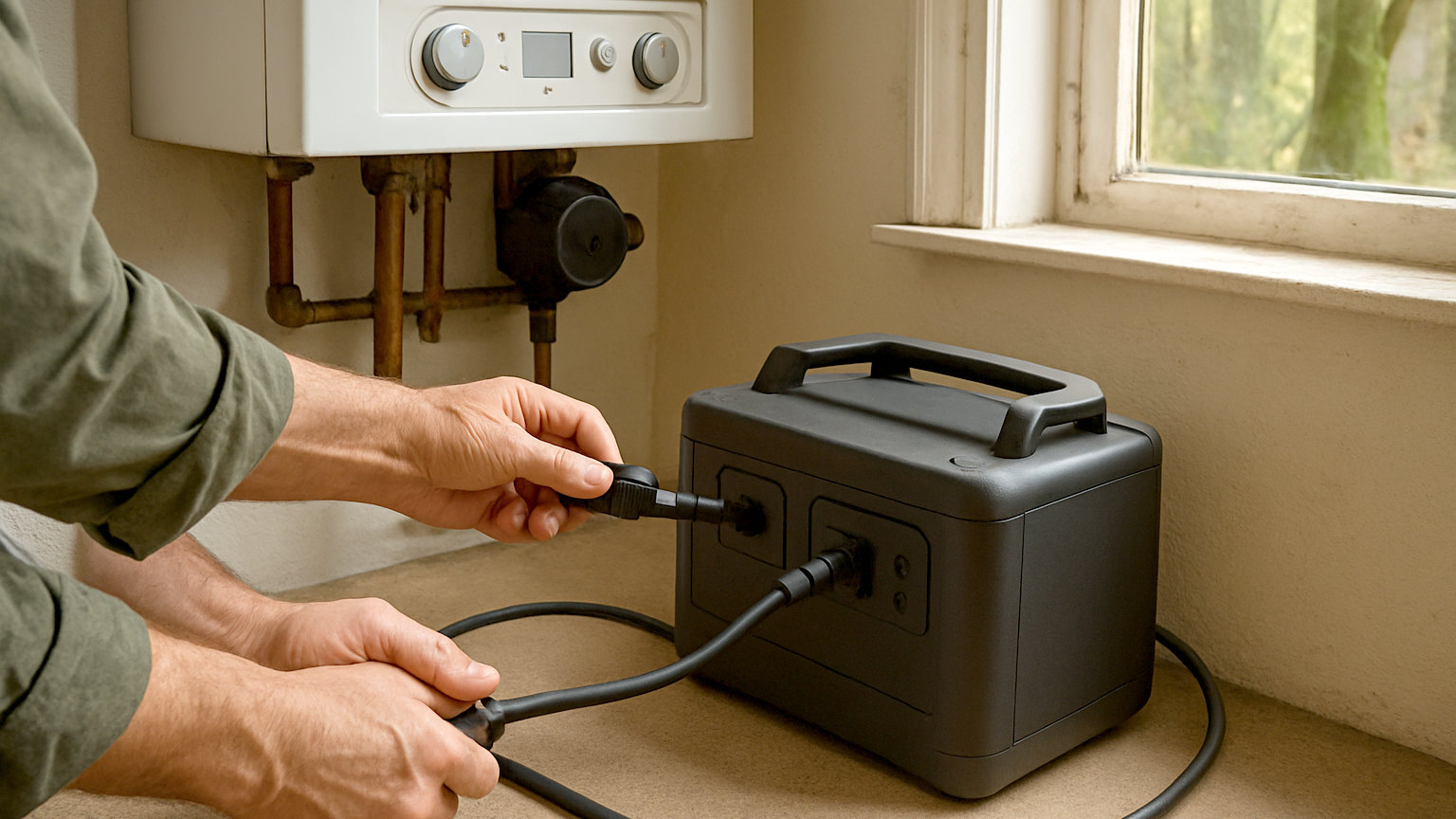
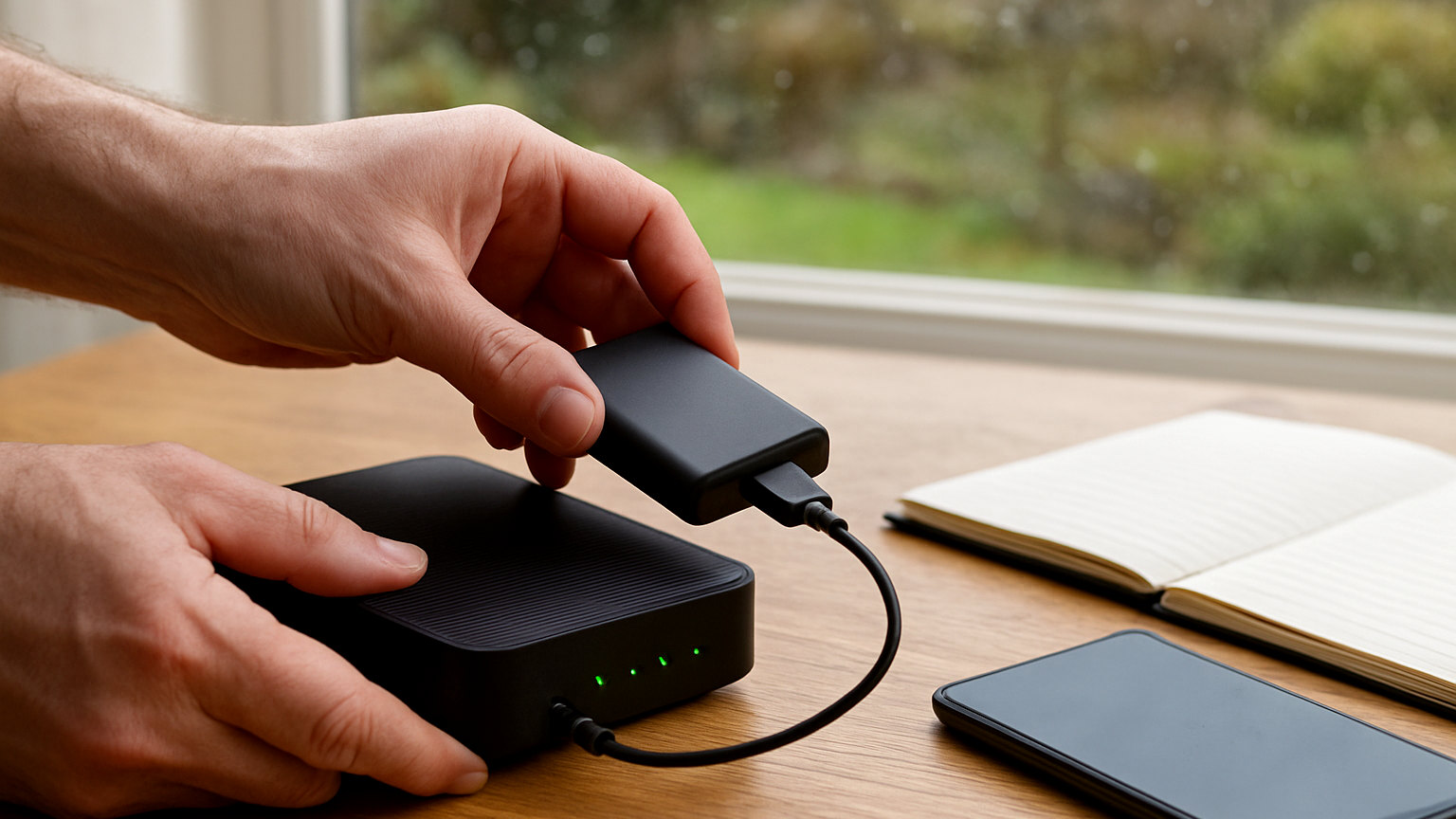
With a power bank or a small uninterruptible power supply. Most routers draw around ten to twenty watts, so a decent power bank with the right output can run one for several hours and a portable power station for considerably longer. Some power banks provide the twelve volt output many routers use directly, and adapters are widely available. A small uninterruptible supply switches over automatically with no interruption at all.
- Most routers draw only ten to twenty watts
- A power bank or small UPS can run one for hours
- Keeping the router alive also keeps a digital landline working
- Mobile tethering is the fallback if broadband itself fails
- Download offline maps and documents before you need them
- Expect mobile data to degrade as mast batteries deplete
What if the broadband itself fails?
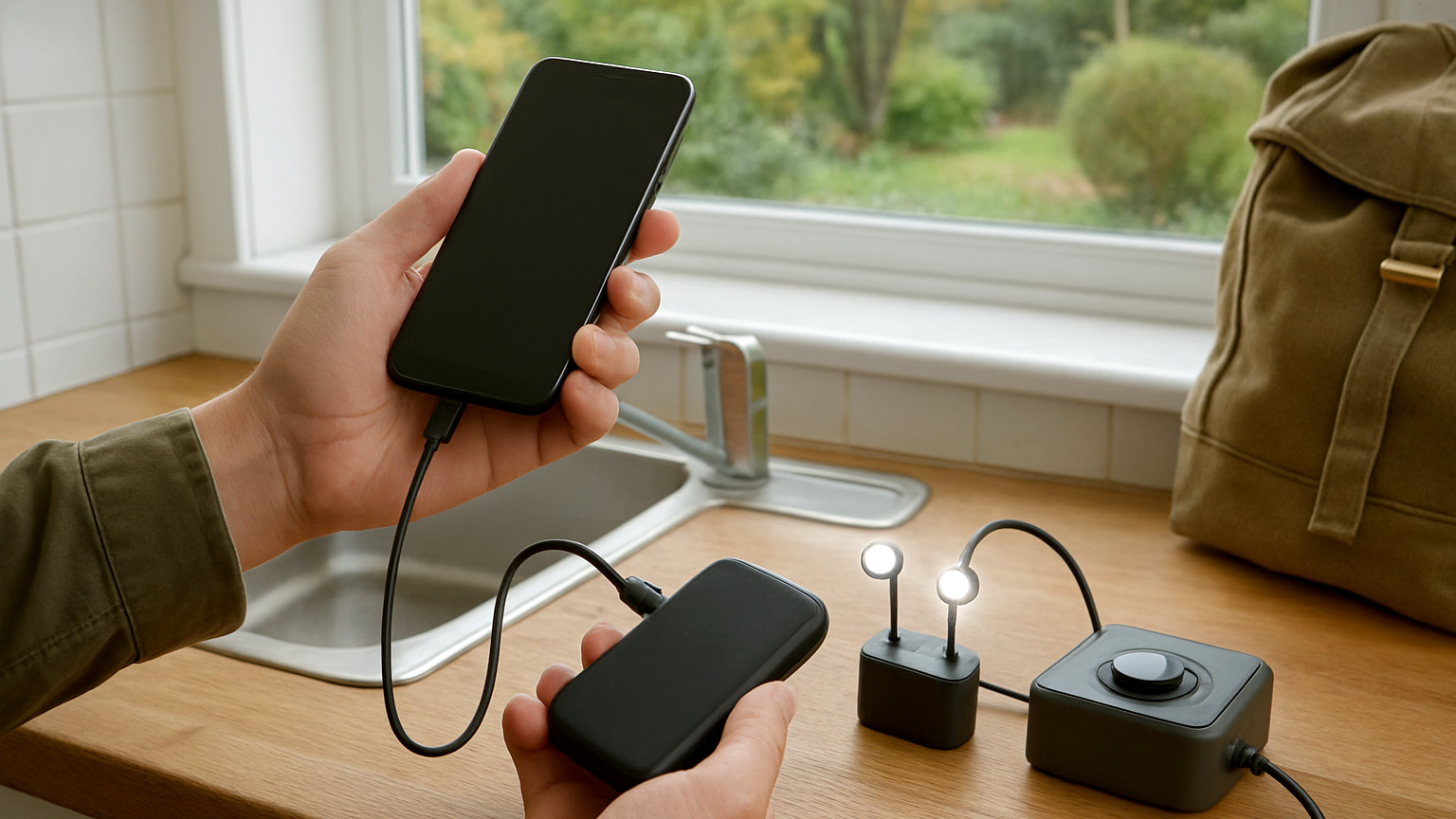
Tether to a mobile. Any modern smartphone can share its connection over wireless or a cable, which covers essential use such as email, messaging and looking up information. Bear in mind that tethering drains the phone quickly and consumes data allowance, and that mobile networks degrade in extended outages as mast batteries run down. Treat it as a bridge rather than a replacement.
Is a dedicated mobile router worth it?
For anyone who cannot afford to lose connectivity, yes. A small mobile broadband router with its own SIM provides an independent connection that does not depend on your fixed line, and it runs happily from a power bank. It is a sensible arrangement for people working from home, running a business, or living somewhere with unreliable broadband, and it is a luxury for everyone else.
What should you download in advance?
Anything you would want without a connection. Offline maps for your area. Copies of key documents. Emergency contact numbers. Your household plan. Instructions for anything you might need to operate. All of this sits on the phone and costs nothing, and it removes the situation where the information you need is behind a connection you do not have.
Does keeping the internet on matter that much?
Less than people assume, and more than nothing. Information during an emergency comes reliably from broadcast radio, which needs no internet at all. Contact with family comes through text. The internet is convenient rather than essential for most households. It becomes genuinely important for people working from home, those relying on connected medical equipment, and anyone whose landline is now digital.
What about the phone as the priority?
It should be. If you have limited battery capacity, keeping a phone alive matters more than keeping the router alive, because the phone can do everything the router can and also make emergency calls. Charge the phone first, and treat the router as the next priority if you have surplus capacity.
What is the cheapest useful arrangement?
A power bank capable of the router voltage, kept charged next to it, plus offline maps and documents on every phone. That covers a typical few hour outage completely for a very modest sum. Adding a portable power station extends it to a day or more and covers the boiler and lighting at the same time.
What about working from home?
Decide in advance what you would do, because improvising during an outage wastes the hours you have. A router and laptop running from a portable power station covers a working day for many people. Tethering to a phone covers email and messaging. Beyond that, know where you could go: a library, a cafe, a colleagues house or an office with power. Telling an employer early that you have lost power is better than going quiet and hoping it returns.
Keep a power bank by the router, download maps and documents in advance, tether as a fallback, and prioritise the phone over the router.